SSD and NVMe Upgrades

If your computer still uses an older hard drive, has limited storage, or takes too long to start and open programs, upgrading to a solid-state drive can make a noticeable difference in everyday use. Steve’s Computers provides professional SSD and NVMe upgrades in San Antonio for desktops and laptops that need faster storage, more capacity, or a more responsive boot drive.

Steve’s Computers checks compatibility first to determine whether an upgrade makes sense for the system

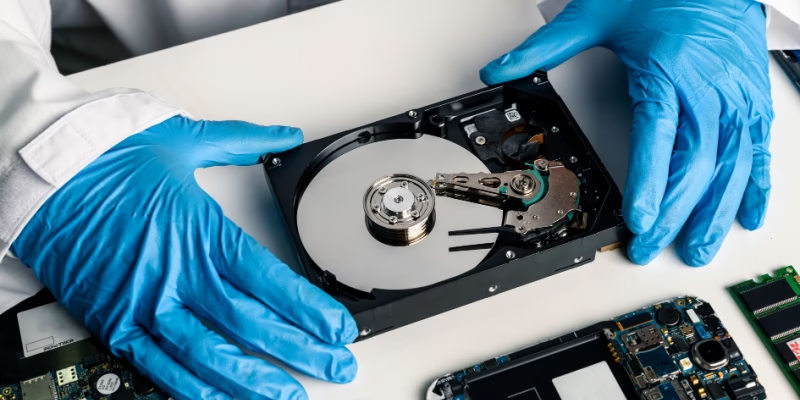
SSD vs HDD: SSD Repair Service

What Is an SSD Upgrade?

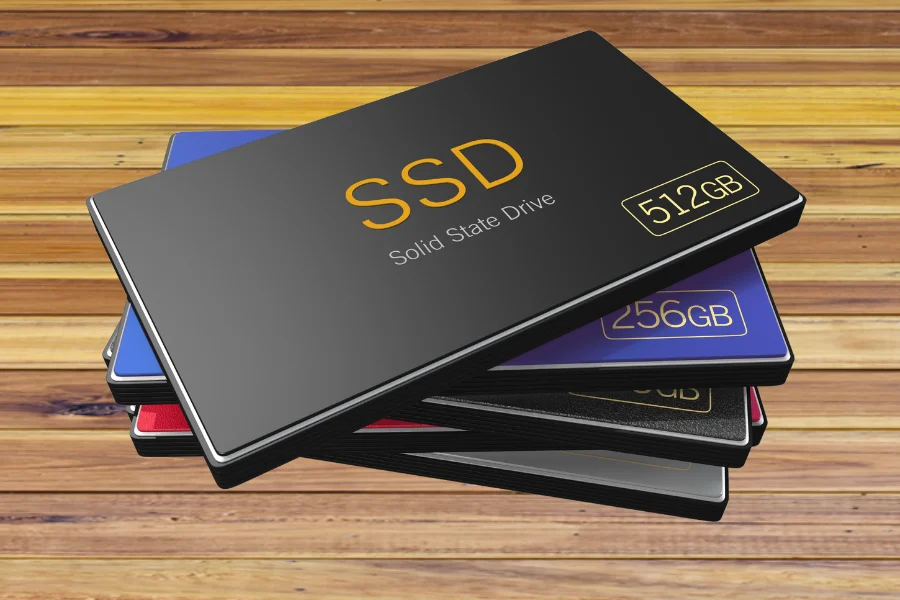
An SSD, or solid-state drive, stores data on flash memory instead of the spinning platters used in a traditional hard disk drive. Because there are no moving parts, SSDs generally provide much faster access to files, applications, and the operating system.

For a computer that still uses a mechanical hard drive, replacing the old drive with an SSD can improve startup times, program loading, file transfers, and overall responsiveness. An SSD upgrade can also be useful when the current drive is nearly full and you need more storage capacity.

Steve’s Computers can evaluate whether your computer uses a SATA drive, M.2 storage, or another configuration before recommending a replacement.

What Is an NVMe Upgrade?

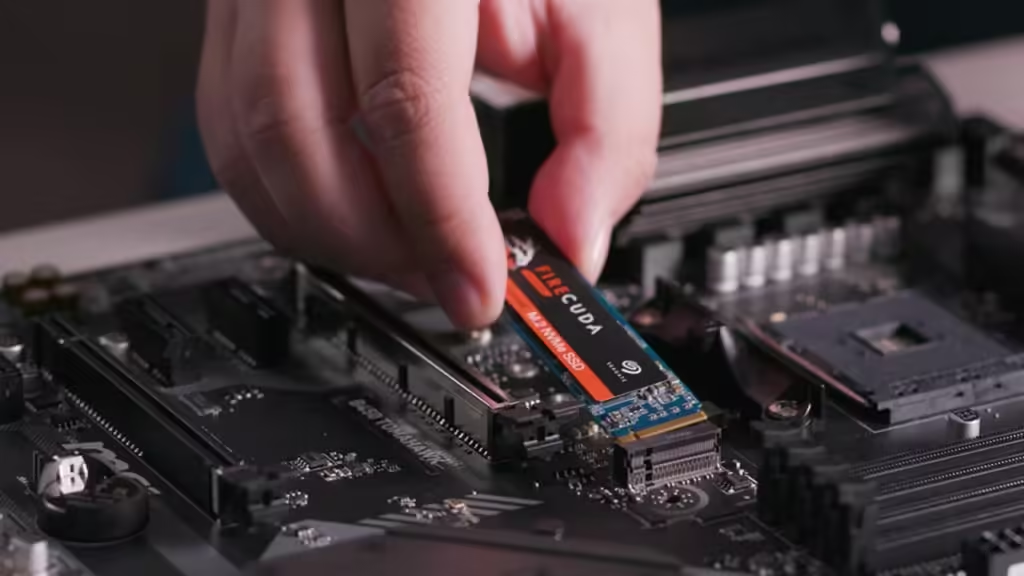
NVMe is a storage protocol designed for high-speed solid-state drives that communicate over PCI Express. Many NVMe drives use the compact M.2 form factor and can provide higher performance than older SATA-based SSDs when the computer supports them.

However, an M.2 slot does not automatically mean every NVMe drive will work. Compatibility can depend on the motherboard, supported PCIe generation, physical drive size, firmware, and system design. Steve’s Computers checks those details before recommending an upgrade.

Signs Your Computer May Benefit From Faster Storage

Storage is only one part of computer performance, so a slow system should not automatically be blamed on the drive.

You may notice long startup times, programs taking too long to open, slow file transfers, delays when searching folders, or heavy disk activity during normal use. A system with an older hard drive may also become noticeably sluggish when several applications are running at once.

If the computer is slow because of malware, overheating, insufficient memory, software problems, or another hardware fault, replacing the drive alone may not solve the problem. Steve’s Computers can diagnose the system first and determine whether a storage upgrade is the right next step.


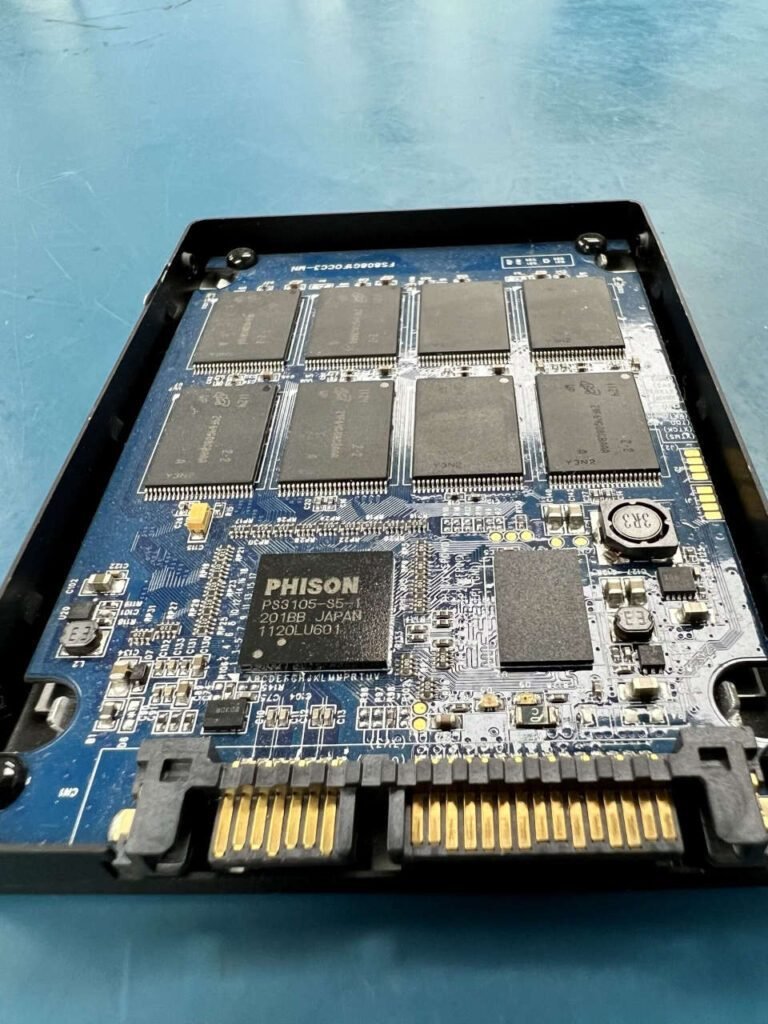
Inside of an ssd

SATA SSD vs NVMe SSD: Which One Do You Need?

A SATA SSD and an NVMe SSD both use flash storage, but they connect to the computer differently and can offer different levels of performance.

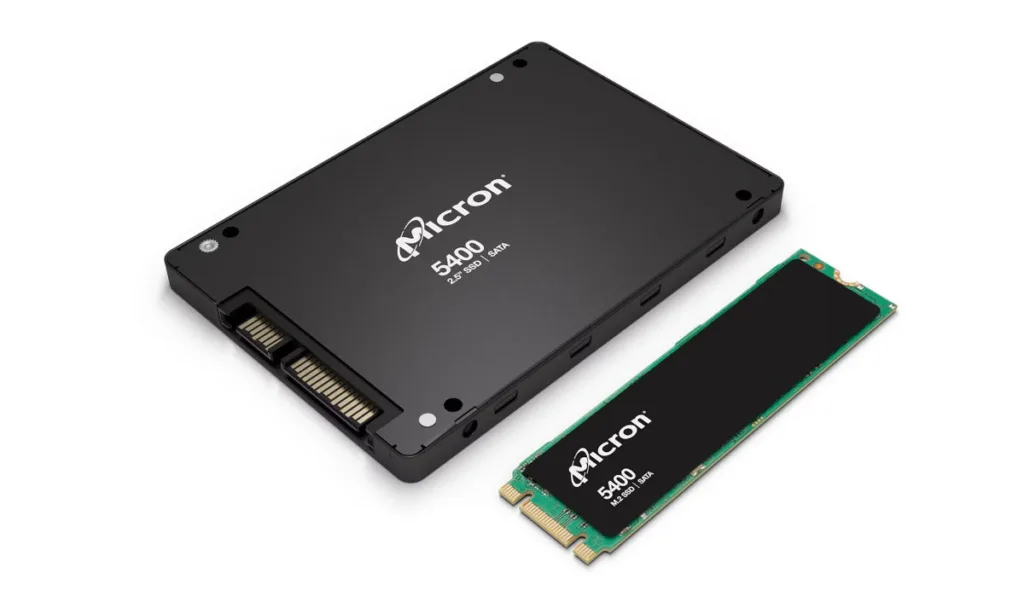
SATA SSDs are commonly available in 2.5-inch form factors and are a practical upgrade for many desktops and older laptops. They are significantly faster than traditional hard drives and can be a strong option when the computer does not support NVMe storage.

NVMe SSDs typically connect through an M.2 slot and use PCIe. They can deliver higher transfer speeds, but the computer must support the correct interface and drive type.

The best choice depends on compatibility, workload, capacity needs, and budget. The upgrade should match how the computer is actually used.

Can Steve’s Computers Move Your Existing Files?

In many upgrade situations, the existing operating system, applications, settings, and files can be migrated to the new drive rather than starting from scratch.

Drive cloning or system migration can copy the contents of the old storage device to the replacement SSD when the original drive is healthy enough to be read reliably. After migration, the new drive can become the main boot drive.

If the old hard drive or SSD is already failing, the process may need to be handled differently. Important files should be considered before repeated cloning attempts. Steve’s Computers also provides data recovery in San Antonio when storage failure has made files inaccessible.

What If Your Current Drive Is Failing?

An upgrade and a data recovery problem are not the same thing.

If the computer reports drive-health warnings, files are becoming corrupted, the storage device disappears intermittently, or a mechanical hard drive begins clicking or grinding, protecting the data may be more important than immediately installing a faster replacement.

Steve’s Computers can evaluate the condition of the existing drive and determine whether the priority should be migration, replacement, or data recovery.

SSD and NVMe Upgrades for Laptops

Many laptops can benefit from faster or larger solid-state storage, but upgradeability varies by model.

Some laptops use a replaceable 2.5-inch SATA drive. Others use M.2 SATA or NVMe storage. Newer systems may have storage integrated into the motherboard and cannot be upgraded in the same way.

Steve’s Computers checks the exact laptop model before recommending a drive. If the laptop also has other hardware problems, the broader laptop repair service can help determine whether those issues should be addressed at the same time.

Data Recovery Blog
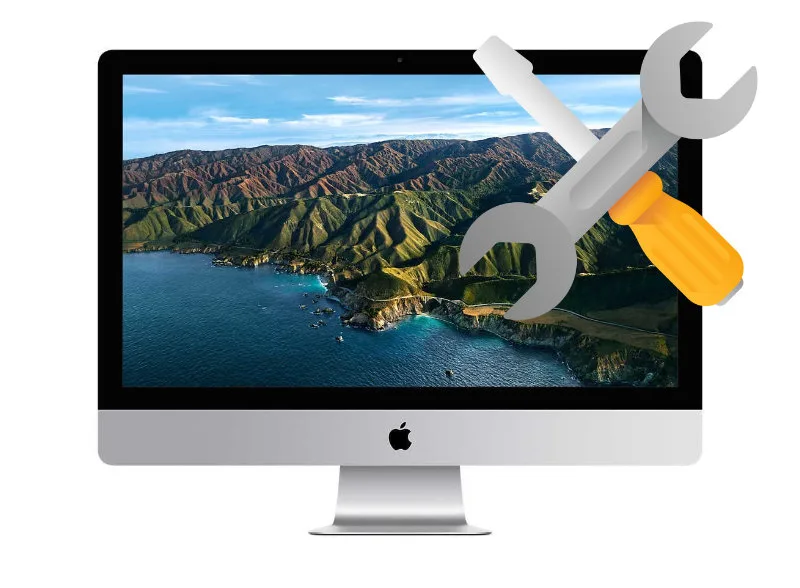
Macbook SSD Upgrade and Hard Drive Repair by Steve's Computer Repair in San Antonio, TX

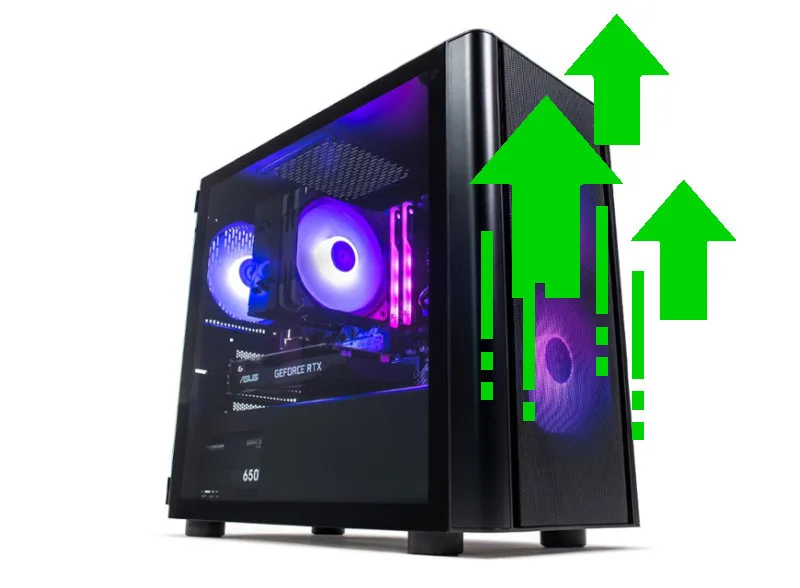
SSD and NVMe Upgrades for Desktop PCs

Desktop computers often provide more flexibility for storage upgrades. Depending on the motherboard and case, a desktop may support multiple SATA drives, one or more M.2 slots, or additional PCIe storage options.

A new SSD can be used as the primary boot drive while an existing hard drive remains available for secondary storage, backups, or large files if the old drive is still healthy.

Choosing the Right Storage Capacity

The right capacity depends on how the computer is used. Large photo libraries, games, video projects, and business files may require more space than a basic office or home computer.

Steve’s Computers considers current storage use and expected growth before recommending a capacity.

Will an SSD Upgrade Fix Every Slow Computer?

No. Storage upgrades can make a major difference when the drive is the performance bottleneck, but they do not correct every cause of a slow computer.

Insufficient RAM, thermal throttling, malware, background software, an aging processor, hardware faults, or operating-system problems can also reduce performance.

Steve’s Computers can evaluate the complete system and recommend the upgrade or repair that addresses the actual limitation. If your computer is running slowly, the slow computer repair service can help determine whether storage, memory, software, cooling, or another component is responsible.

Computer tech repair. Troubleshooting

Why Choose Steve’s Computers for SSD and NVMe Upgrades?

Steve’s Computers has served San Antonio since 2008 and works with desktops, laptops, storage devices, data recovery, computer upgrades, and broader hardware repair.

Storage upgrades are planned around the computer rather than around a generic drive recommendation. Steve’s Computers checks compatibility, existing drive condition, capacity requirements, and how the system is used before recommending an SSD or NVMe option.

If migration is appropriate, the existing data and operating system can be considered as part of the upgrade process.
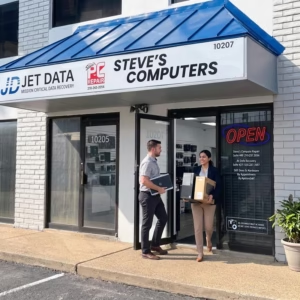
storefront of computer shop

Get an SSD or NVMe Upgrade in San Antonio

If your computer takes too long to start, storage is running out, or you want faster access to applications and files, an SSD or NVMe upgrade may be a practical way to improve the system.

Bring your computer to Steve’s Computers for professional SSD and NVMe upgrades in San Antonio. Steve’s Computers can check compatibility, evaluate the existing drive, discuss capacity and performance needs, and explain the available upgrade options.

Walk-ins are welcome, or call (210) 241-2054 to discuss your computer storage upgrade.

Scroll to Top