

Hard Drive Data Recovery in San Antonio
When a hard drive stops working or important files suddenly disappear, the first concern is usually the data stored on it. Documents, photos, business records, project files, and other information may still be recoverable, but the right next step depends on why the drive failed.
Steve’s Computers provides professional hard drive data recovery in San Antonio for customers dealing with inaccessible files, failing drives, accidental deletion, corrupted storage, and computers that no longer recognize a hard disk. We begin with diagnosis because data loss can result from logical problems, physical drive failure, file-system corruption, or damage elsewhere in the computer.
Signs You May Need Hard Drive Data Recovery
A failing hard drive does not always stop working without warning. Some problems develop gradually, while others appear after a power event, drop, operating-system problem, or accidental deletion.
Common warning signs include files that will not open, folders that disappear, repeated read errors, unusually slow file access, a drive that is no longer detected, startup failures, or a computer that reports a disk or S.M.A.R.T. warning.
Traditional mechanical hard disk drives may also begin making unusual clicking, grinding, clunking, or beeping sounds. If a drive starts making abnormal noises and important files are stored on it, continuing to power it on can increase the risk of further damage.
Logical Data Loss vs. Physical Hard Drive Failure
Not every recovery situation involves a mechanically damaged drive.
Logical data loss occurs when the storage hardware may still function but the information cannot be accessed normally. Examples include accidental file deletion, a damaged file system, corrupted partitions, formatting, or operating-system problems that prevent the computer from reading the drive correctly.
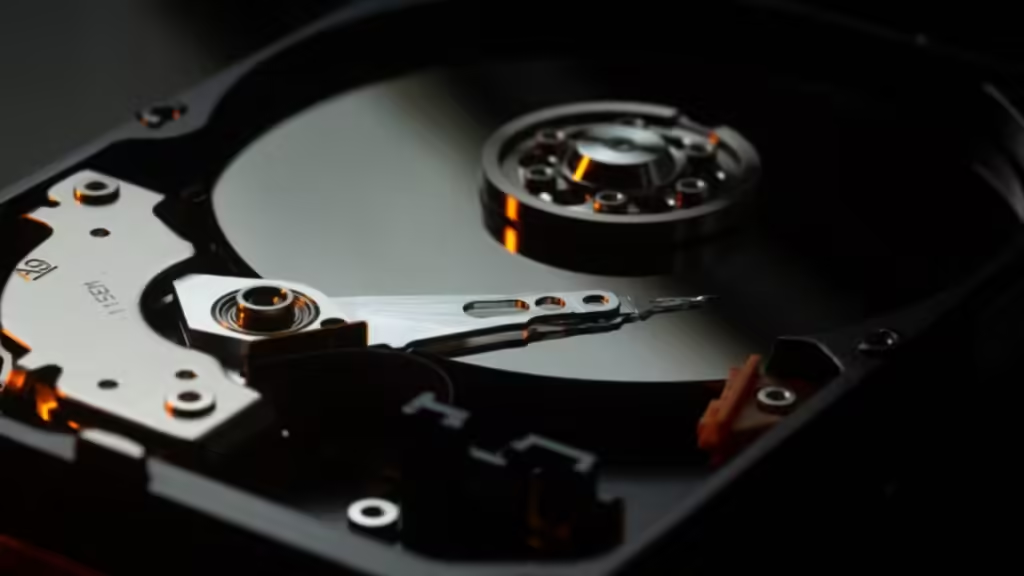
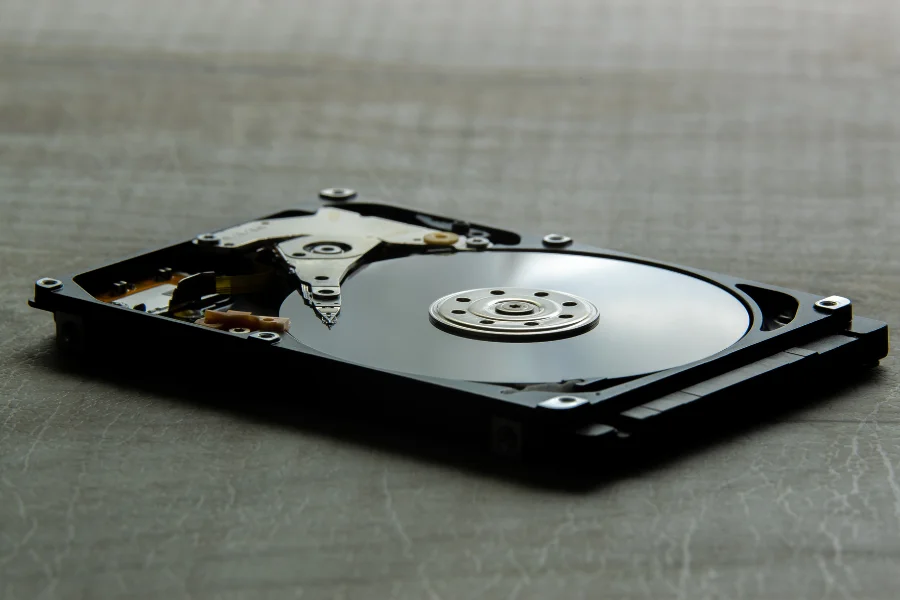
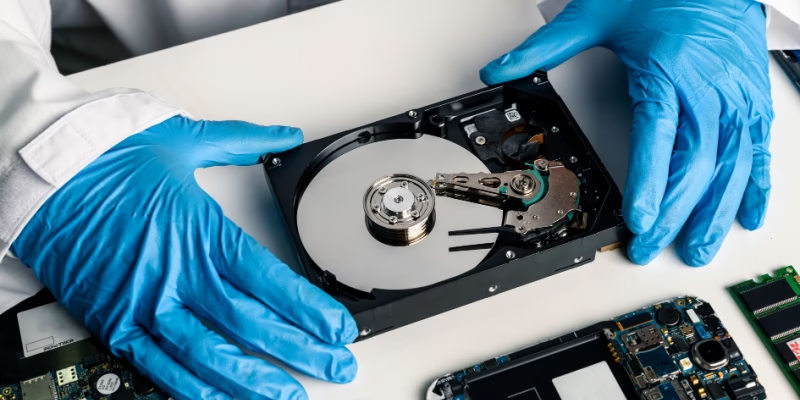
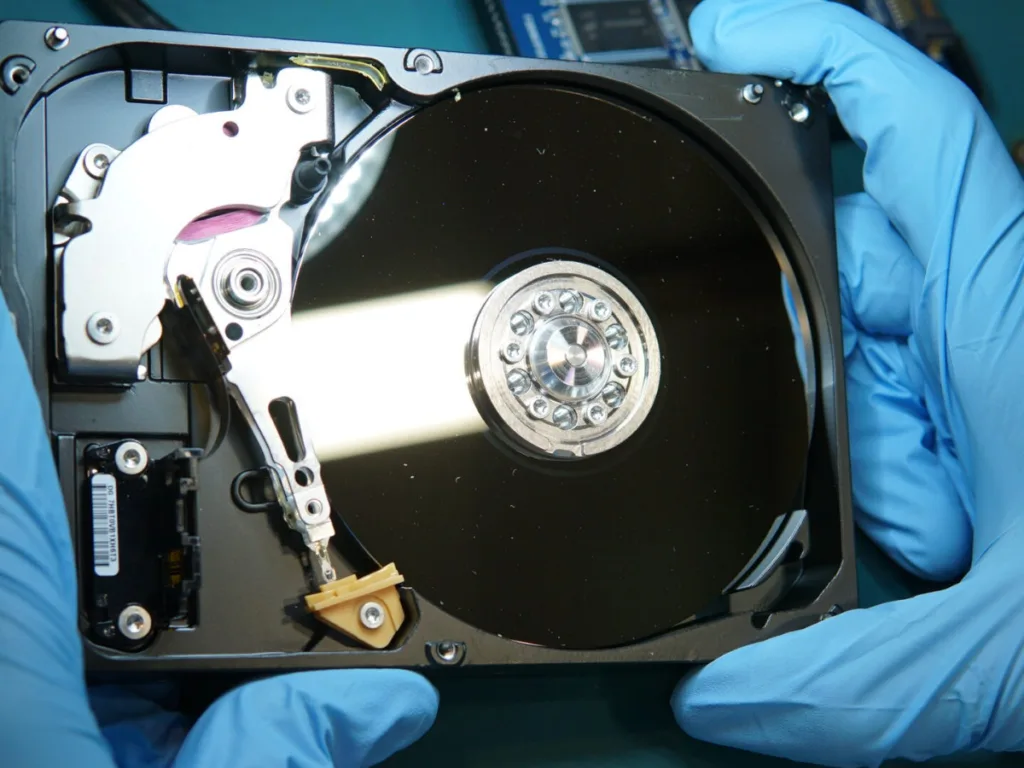
Physical failure involves a problem with the storage device itself. Mechanical hard drives contain moving parts, so damage to internal components can prevent the drive from reading data reliably. Electrical faults, damaged connectors, and impact can also make a drive inaccessible.
What to Do When a Hard Drive Starts Failing
If you suspect a hard drive is failing, avoid making unnecessary changes to it.
Do not install new programs, copy additional files onto the affected drive, repeatedly reformat it, or continue running recovery utilities if the drive is unstable. New data can overwrite deleted information in some logical-loss situations, while repeated use of a physically failing drive may make the condition worse.
If the drive is making unusual mechanical noises, shutting the computer down is generally safer than repeatedly restarting it to see whether the files return.
Bring the device or drive to Steve’s Computers and tell us what happened before the data became inaccessible. A drop, power failure, liquid exposure, accidental deletion, or recent software issue can help guide the diagnostic process.
Professional Hard Drive Diagnostics
Data recovery starts with understanding the condition of the storage device.
Our technicians evaluate whether the drive is detected, whether the computer can communicate with it reliably, and whether the symptoms point toward logical corruption or hardware failure. When appropriate, drive-health information and S.M.A.R.T. status can provide additional clues about a hard disk reporting errors or showing signs of failure.
We also consider whether another computer component is causing the apparent storage problem. A computer that will not boot does not automatically have a failed hard drive. Power, motherboard, cable, memory, and operating-system problems can produce similar symptoms.
Recovering Deleted or Inaccessible Files
Accidentally deleting a file does not always mean the information is immediately gone from the storage media. In some cases, the operating system marks the space as available for reuse instead of immediately removing every part of the old data.
That is why it is important to stop writing new information to a drive after accidental deletion. Continued use can overwrite areas that may contain recoverable files.
Recovery results depend on what happened to the drive, how much it has been used since the data loss, the condition of the file system, and whether the storage hardware is healthy.
We do not assume that every lost file can be recovered. We evaluate the situation and explain what options are realistic based on the condition of the drive.
Data Recovery From a Computer That Will Not Start
A computer that no longer boots may still contain accessible data.
The failure could involve Windows, storage corruption, another internal component, or the drive itself. When the computer will not start normally, our technicians can evaluate the storage separately from the rest of the system.
If data is the priority, tell us when you bring the device in so that recovery considerations can guide the diagnostic process from the beginning.
Hard Drive Failure After a Drop or Impact
Mechanical hard drives can be vulnerable to physical impact because they rely on precision internal components.
If a laptop, desktop, or external hard drive was dropped and the drive became inaccessible afterward, avoid repeatedly powering it on. Clicking, grinding, or other new noises after an impact can indicate a physical problem that should be treated cautiously.
Do not open a hard drive enclosure to inspect the internal platters yourself. Physical hard-drive recovery can require specialized tools and controlled procedures, and unnecessary handling can reduce the chances of recovery.
Can Data Recovery Be Guaranteed?
No responsible data recovery process should assume that every file can always be restored.
The outcome depends on the type and severity of the failure, the condition of the storage media, whether information has been overwritten, and what happened after the original data-loss event. Some drives remain readable enough for extensive recovery, while others have severe physical or logical damage.
Why Choose Steve’s Computers for Data Recovery?
Steve’s Computers has served San Antonio computer users since 2008 and provides computer repair, diagnostics, and data recovery for local customers.
Our technicians approach storage problems carefully because protecting remaining data is different from simply getting a computer to turn on again. We evaluate the drive, identify the likely type of failure, and explain the recovery options based on what we find.
We also work on storage upgrades, startup failures, motherboard issues, liquid damage, and other hardware faults, helping us determine whether the problem is isolated to the drive or connected to another part of the system.

Get Hard Drive Data Recovery in San Antonio
If your hard drive is no longer detected, your computer cannot access important files, you accidentally deleted data, or the drive is showing signs of failure, bring it to Steve’s Computers for professional hard drive data recovery in San Antonio.
Avoid unnecessary use of the affected drive, especially if it is making unusual noises or reporting errors. We can inspect the storage device, determine the likely cause of the data loss, and explain the available recovery options.
Walk-ins are welcome, or call Steve’s Computers at (210) 241-2054 to speak with the shop about your hard drive data recovery needs.