Setting up a new computer today should be exciting, not frustrating. But moving from an old system can become complicated when files, programs, user accounts, email, browser data, printers, and settings all need to be configured correctly.
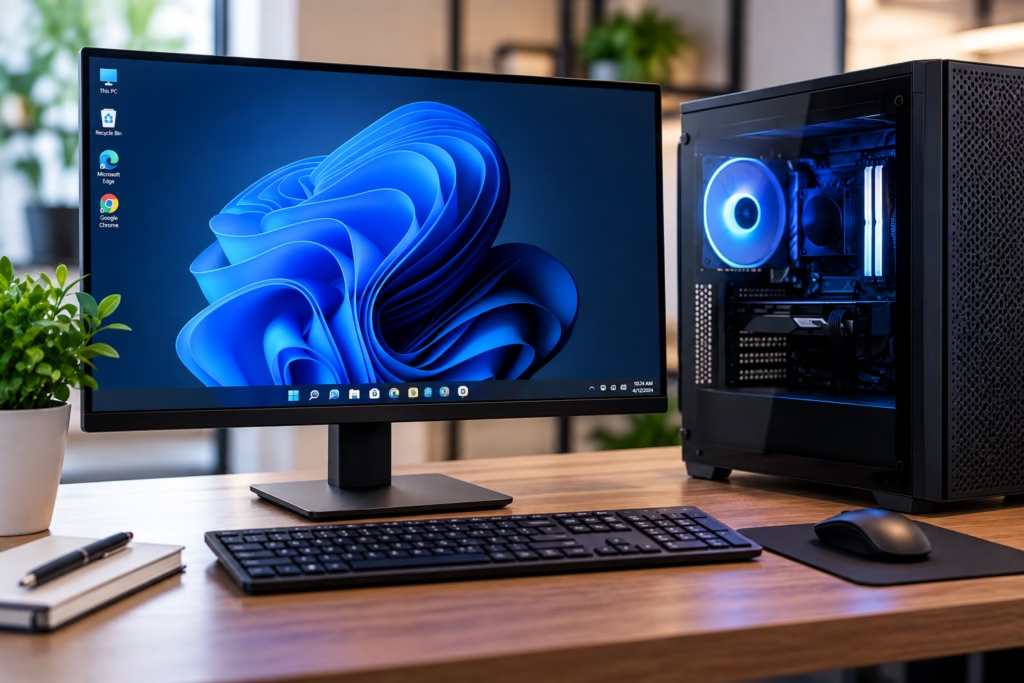
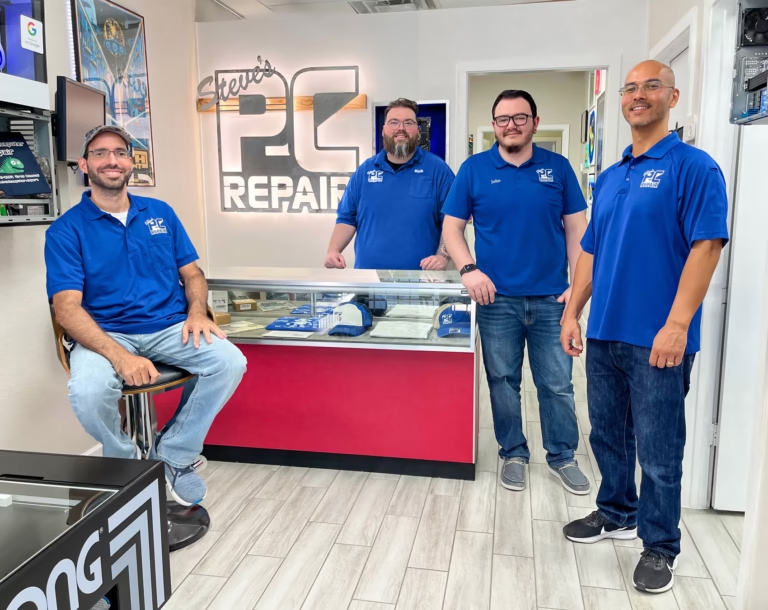
Steve’s Computers provides professional computer setup and data transfer in San Antonio for customers who want a new PC, laptop, or Mac ready for everyday use. Steve’s Computers can configure the new computer, move important data, connect common devices, and prepare the system for work, school, or home use.
Computer Setup for a New PC or Laptop
A new computer may arrive with the operating system installed, but that does not mean it is fully ready for the way you use it. Initial setup can include creating or signing in to user accounts, completing operating-system updates, configuring security settings, connecting Wi-Fi, adding printers, and adjusting basic preferences.
Steve’s Computers helps customers complete these steps without trial and error. If the new system replaces an older computer, setup can be coordinated with data transfer before the old device is retired.
What Data Can Be Transferred to a New Computer?
The exact data that can be moved depends on the condition of the old computer, the storage device, the operating system, and how the files are organized.
Common data transfer requests include:
Documents and spreadsheets
Photos and videos
Desktop and Downloads folders
Music and personal media
Business and work files
Browser bookmarks or favorites
Selected user folders and archives
Files stored on an external hard drive or USB device
Steve’s Computers checks what needs to be moved before starting the transfer.
Programs and licensed software are different from personal files. Some applications can be reinstalled on the new computer, while others may require a license key, account sign-in, subscription, or installer from the software provider.
Data Transfer From an Old Computer
When the old computer is still working, data transfer is usually more straightforward because the files can be reviewed before they are copied.
Steve’s Computers can help identify the folders that matter, move the data to the new system, and confirm that the transferred files are accessible. This is useful when years of documents are spread across different folders or storage locations.
A transfer should not simply copy everything without review. Temporary files, outdated installers, duplicate downloads, and unnecessary data can make a new computer cluttered from the beginning.
What If the Old Computer Will Not Start?
A computer that no longer boots does not automatically mean the files are lost.
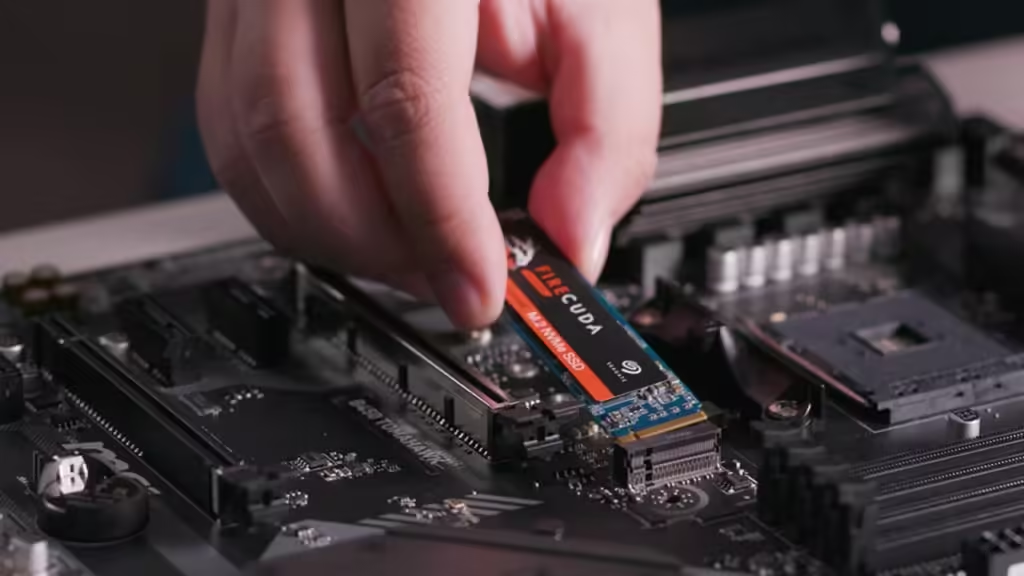
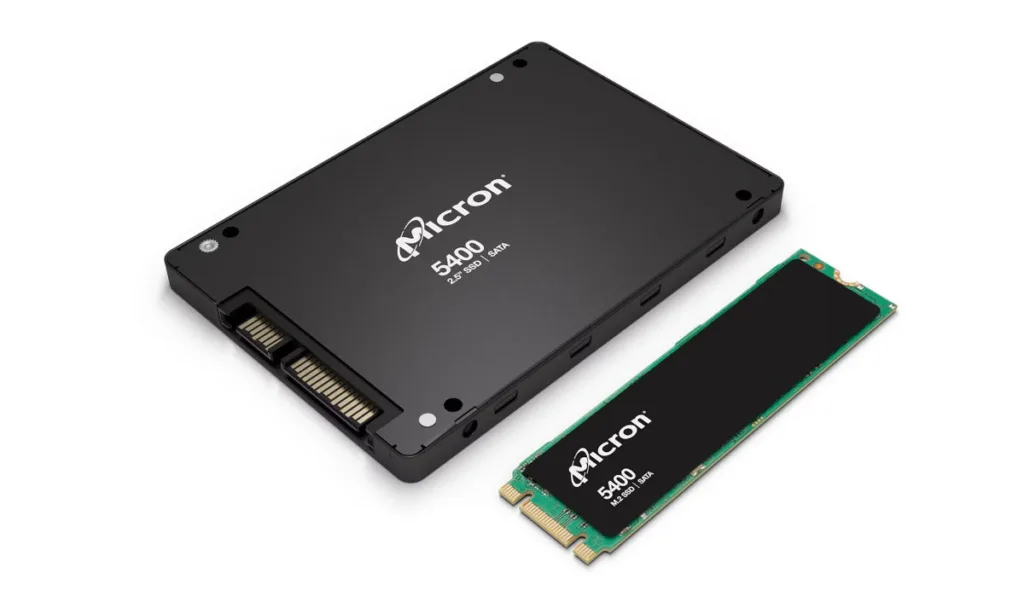
The problem may involve Windows, macOS, the motherboard, power, or another component while the storage device remains readable. In other cases, the hard drive or SSD itself may be failing.
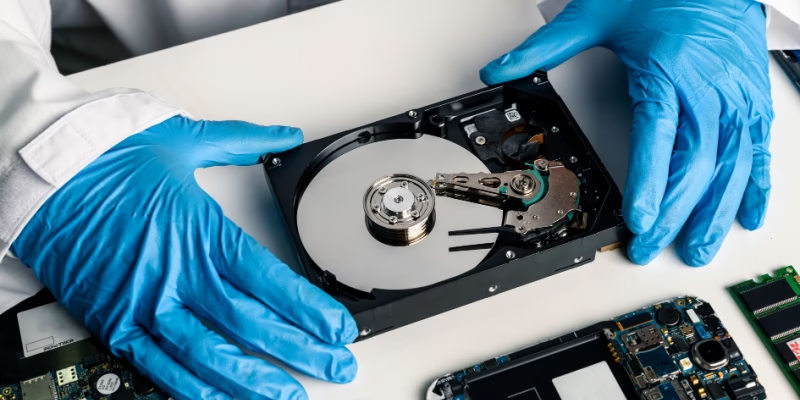
Steve’s Computers can evaluate the old system before attempting a transfer. If the storage device is damaged or important files cannot be accessed normally, data recovery may need to be considered before the new computer is set up.
Some customers already have their files stored on a separate hard drive, SSD, or external storage device. In these cases, the transfer may involve organizing and copying the data onto the new computer rather than working directly from the old machine.
If an external drive disconnects unexpectedly, reports errors, or makes unusual noises, it should be evaluated before a large transfer.
Steve’s Computers can help determine whether the source storage is stable enough for normal file migration or whether a recovery-first approach is safer.
Setting Up Email, Browsers, and Online Accounts
A new computer often feels incomplete until everyday services are working again.
Steve’s Computers can help with basic account and software setup, including browser sign-ins, email access, bookmarks, cloud-storage accounts, and other commonly used services where appropriate.
Customers should have the usernames, passwords, recovery methods, and authentication devices required by their providers. Steve’s Computers does not bypass account security. If verification is required, the account owner may need to approve the sign-in.
Printer and Peripheral Setup
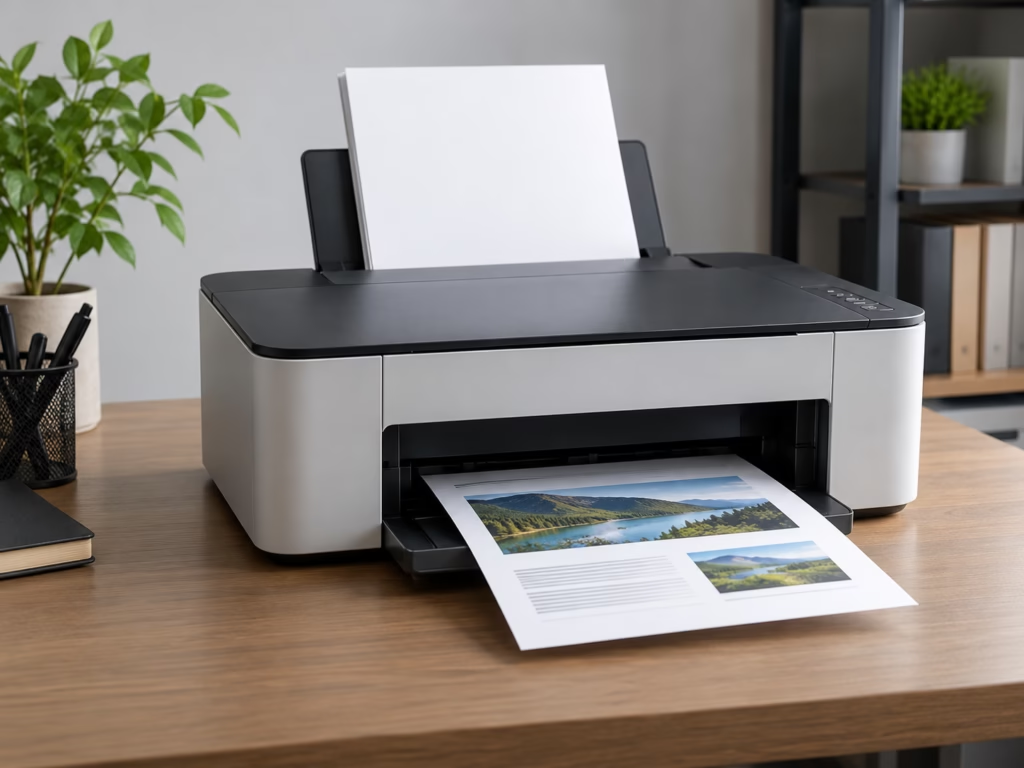
Printers, scanners, external monitors, webcams, keyboards, mice, and other accessories may need to be reconnected or configured when moving to a new computer.
Some devices work immediately when connected. Others require drivers, wireless setup, or software from the manufacturer.
Steve’s Computers can connect common peripherals and check that the new computer recognizes them correctly. Older accessories may not always be compatible with a newer operating system.
Software Installation and Updates
A clean new computer should start with the applications you actually use.
Steve’s Computers can install supported software, complete system updates, and remove unnecessary trial programs when appropriate. Installation may require the customer’s license, subscription, installer, or account credentials.
Keeping the operating system and essential software updated during setup also helps avoid starting with outdated security fixes or drivers.
If the new computer develops a hardware or software problem during setup, Steve’s Computers also providescomputer repair in San Antonio.
Can Everything Be Moved Exactly as It Was?
Not always.
Personal files are often transferable, but applications, system settings, passwords, and specialized software may not move in the same way. Differences between operating systems, software versions, hardware, and licensing can affect what can be recreated on the new computer.
Moving between Windows systems can differ from moving from Windows to Mac or between Mac generations.
Steve’s Computers explains what can reasonably be transferred and what may need to be reinstalled or configured separately.
Why Professional Computer Setup Can Save Time
Computer setup becomes time-consuming because many small tasks need to work together.
Files have to be located, accounts verified, applications installed, updates completed, peripherals connected, and old data checked. Missing one important folder or account can create problems after the old computer has already been wiped, sold, or discarded.
A structured setup process helps reduce that risk. Steve’s Computers focuses on getting the new system ready while keeping important data and customer priorities in mind.
Do Not Erase the Old Computer Too Soon
Keep the old computer or its storage device until you have confirmed that the files you need are present and usable on the new system.
A successful copy does not always mean every important file was included. Check documents, photos, business folders, downloads, email data where applicable, and any specialized files you rely on.
Only after the new computer has been reviewed should you consider securely erasing or recycling the old system.
Get Computer Setup and Data Transfer in San Antonio
If you bought a new computer and need help moving files or getting everything configured, Steve’s Computers can make the transition easier.
Steve’s Computers provides computer setup and data transfer in San Antonio for customers moving to a new desktop, laptop, or Mac. The service can include file transfer, computer migration, basic system configuration, software setup, account access, and common peripheral setup based on your needs.
This service supports home, business, school, remote work, gaming, and replacement computer needs.
Serving San Antonio since 2008, Steve’s Computers focuses on clear diagnostics, practical solutions, and work you approve.
Call (210) 241-2054 orcontact Steve’s Computers to discuss your new computer setup and data transfer needs