
SSD and NVMe Data Recovery in San Antonio
When an SSD or NVMe drive stops working, important files can become inaccessible without much warning. Unlike traditional hard drives, solid-state drives have no moving parts, but they can still fail because of controller problems, worn flash memory, firmware issues, electrical damage, file-system corruption, or problems elsewhere in the computer.
Steve’s Computers provides professional SSD data recovery in San Antonio for customers dealing with inaccessible files, failed solid-state drives, NVMe storage problems, accidental deletion, corrupted partitions, and computers that no longer recognize an SSD. We begin with diagnosis because recovery options depend on whether the problem is logical, electrical, firmware-related, or tied to the storage hardware itself.
Signs Your SSD or NVMe Drive May Be Failing
Solid-state storage can fail differently from a mechanical hard drive. There may be no clicking or grinding noise before access is lost. Instead, you may notice files becoming unreadable, repeated crashes, unusually slow access, startup errors, a drive that appears and disappears, or a computer that suddenly stops detecting the SSD.
Some systems may also report S.M.A.R.T. or drive-health warnings. NVMe drives can report health information such as critical warnings, available spare capacity, temperature, and percentage of drive life used.
These signs do not always mean the SSD is completely dead, but they should not be ignored when important data is involved.
SSD Data Recovery Is Different From Hard Drive Recovery
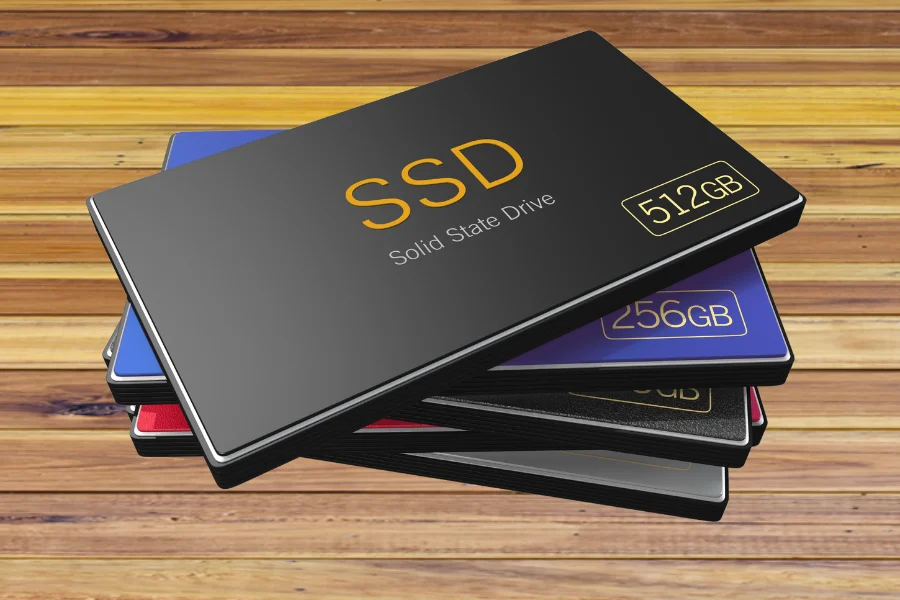
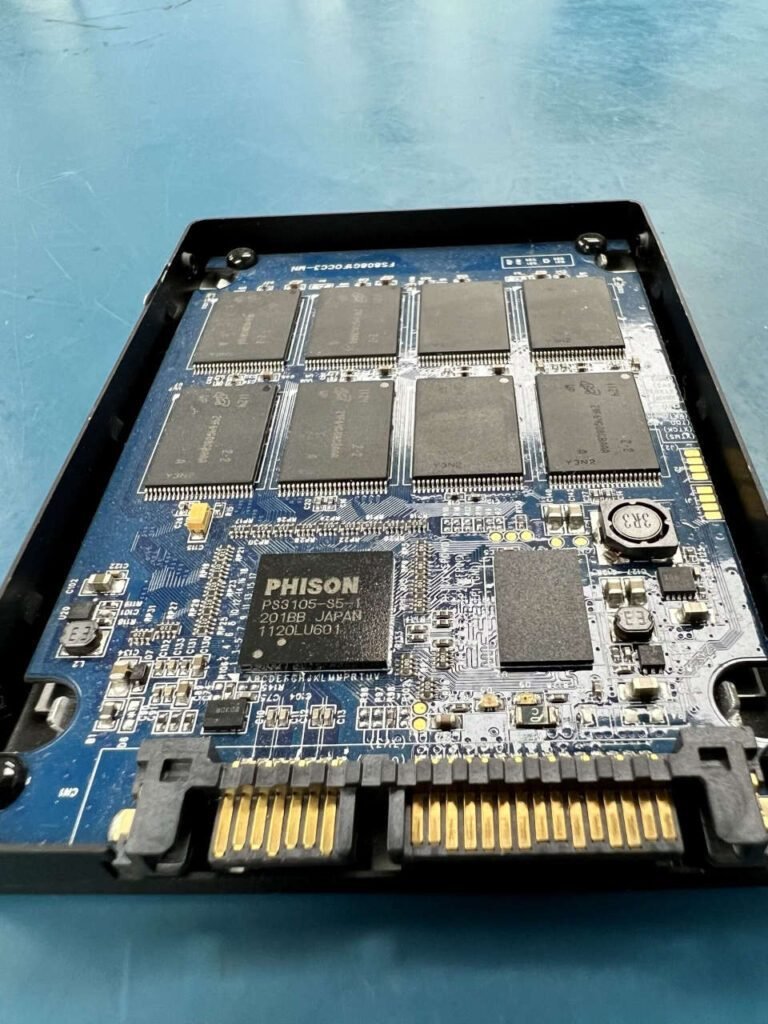
An SSD stores information in NAND flash memory rather than on spinning magnetic platters. A controller manages where data is written, how blocks are erased, error correction, wear leveling, and communication with the computer.
That design provides speed and durability, but it also changes how data recovery works. A failed controller, firmware problem, damaged memory chip, power issue, or corrupted mapping information can make stored data inaccessible.
Because of these differences, the same recovery approach used for a traditional hard disk is not always appropriate for an SSD or NVMe drive.
What Is an NVMe SSD?
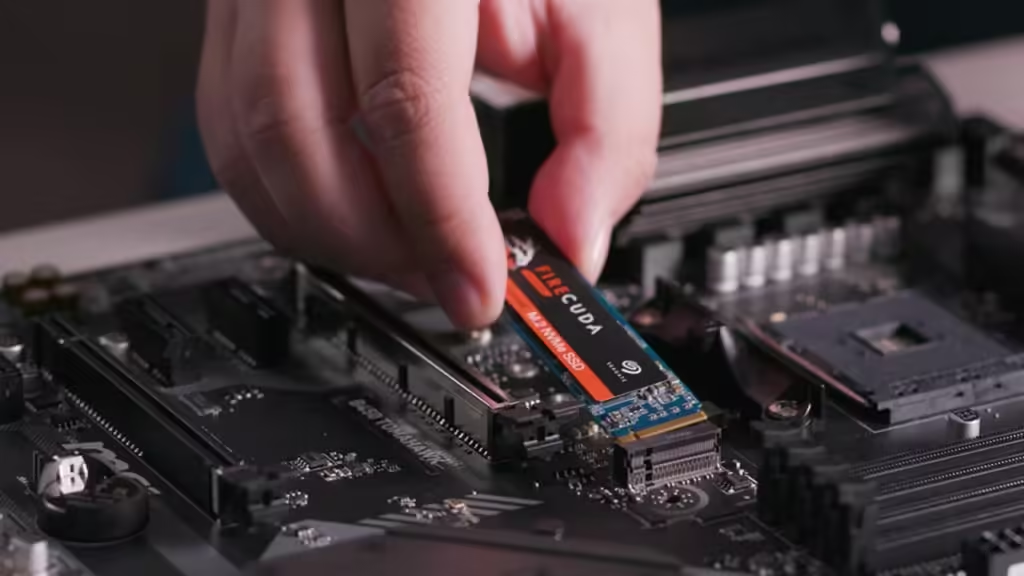
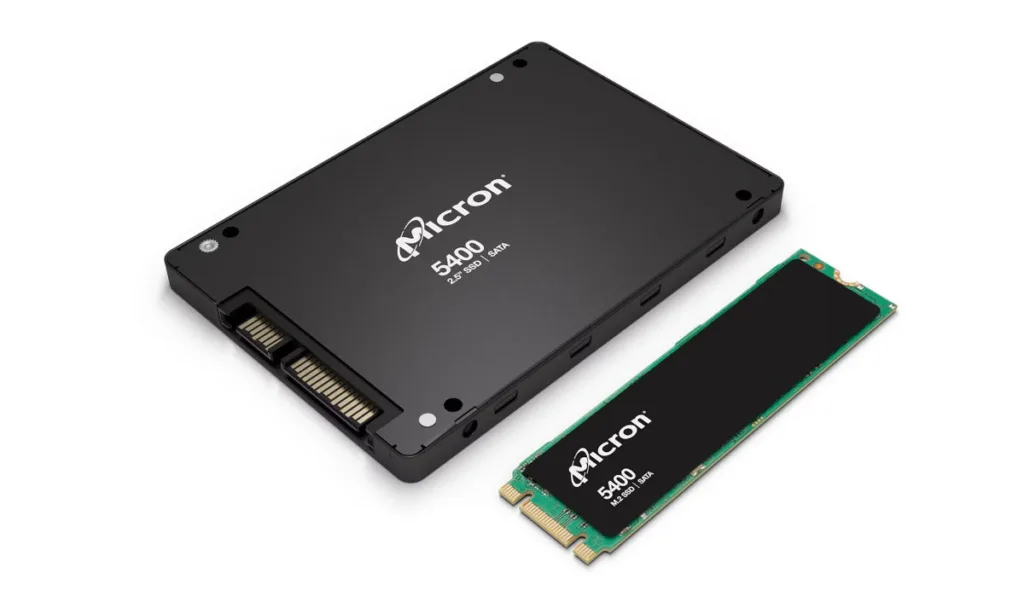
NVMe is a high-speed storage interface commonly used with modern solid-state drives. Many NVMe SSDs connect through a motherboard M.2 slot and communicate over PCI Express rather than the older SATA connection.
If an NVMe drive is not detected, the cause may involve the drive itself, its controller, the motherboard slot, firmware, BIOS or UEFI configuration, or another system issue. Diagnosis is important before assuming the drive has suffered permanent data loss.
Accidental Deletion, TRIM, and SSD Recovery
Deleted-file recovery can be more complicated on solid-state drives than on traditional hard drives.
Modern operating systems and SSDs commonly use TRIM or related deallocation functions to tell the drive that certain blocks are no longer needed. The SSD can then clear those blocks during background maintenance and garbage collection.
This means deleted data may become unrecoverable more quickly than it would on a traditional hard disk. Recovery depends on the drive, operating system, controller behavior, whether TRIM was active, and how much the device was used afterward.
If important files were accidentally deleted, stop using the affected SSD as soon as practical. Installing software, downloading files, or continuing normal use can reduce recovery chances.
Professional SSD and NVMe Diagnostics
At Steve’s Computers, data recovery begins by determining whether the storage device is actually the source of the problem.
A computer that will not boot may have an SSD failure, but it may also have a motherboard, power, memory, operating-system, or configuration issue. An NVMe drive that disappears intermittently may require different testing from a SATA SSD that is consistently detected but cannot be read.
Our technicians evaluate whether the drive is recognized, how consistently the system communicates with it, whether drive-health information is available, and whether symptoms point toward logical corruption or hardware failure.
The goal is to understand the failure before attempting recovery steps that could unnecessarily alter the drive.
Logical SSD Data Loss
Logical data loss occurs when the storage hardware may still function but the files cannot be accessed normally.
This can happen after accidental deletion, partition damage, file-system corruption, formatting, operating-system problems, or other changes that affect how the computer locates stored information.
When the SSD remains stable and readable, recovery options may differ from cases involving a physically or electrically failed drive. Even then, continued writing to the SSD can change or remove recoverable data.
SSD Controller and Firmware Problems
The controller manages communication between the computer and the NAND flash memory. If it fails or the drive develops a serious firmware problem, the SSD may disappear from the system, report incorrect information, become read-only, or stop providing access to stored files.
These situations can be more complex than ordinary file-system corruption. Recovery possibilities depend on the SSD model, controller, condition of the NAND memory, and nature of the failure.
We do not assume that every failed SSD can be recovered. Diagnosis helps determine what options are realistic.
What If the SSD Is Not Detected?
A missing SSD does not automatically mean the data is gone.
The problem may involve the drive, connector, SATA cable, M.2 slot, motherboard, BIOS or UEFI settings, or another hardware issue. Testing the surrounding system can help distinguish storage failure from a connection or computer problem.
If the drive contains important files, avoid repeatedly removing, reconnecting, formatting, initializing, or attempting repairs without considering the data first.
Data Recovery From a Computer That Will Not Start
A computer that no longer boots may still contain accessible data.
The failure could involve Windows, storage corruption, another internal component, or the drive itself. When the computer will not start normally, our technicians can evaluate the storage separately from the rest of the system.
If data is the priority, tell us when you bring the device in so that recovery considerations can guide the diagnostic process from the beginning.
Can SSD Data Recovery Be Guaranteed?
No. Data recovery outcomes depend on the type of failure and the condition of the storage device.
An SSD with logical corruption presents a different situation from one with damaged NAND flash, controller failure, electrical damage, or data already cleared through TRIM and garbage collection. In some cases, useful data can be recovered. In others, the information may no longer be accessible.
A responsible recovery process should evaluate the drive before making promises about what can be restored.
Why Choose Steve’s Computers for SSD Data Recovery?
Steve’s Computers has served San Antonio computer users since 2008 and provides computer diagnostics, repair, storage services, and data recovery.
SSD and NVMe problems require careful troubleshooting because a computer that cannot access its files may have a storage failure or a problem elsewhere in the system. Our technicians focus on identifying the actual cause, explaining what we find, and discussing realistic recovery options.
We also work on motherboard faults, startup failures, storage upgrades, liquid damage, and other computer problems that can affect access to data.
Get SSD Data Recovery in San Antonio
If your SSD is no longer detected, your NVMe drive has disappeared, important files have been deleted, or the computer cannot access data stored on a solid-state drive, bring it to Steve’s Computers for professional SSD data recovery in San Antonio.
Avoid unnecessary use of the affected drive, especially if important files are missing or the SSD is behaving unpredictably. We can inspect the storage device, determine the likely cause of the problem, and explain the available recovery options.
Walk-ins are welcome, or call Steve’s Computers at (210) 241-2054 to speak with the shop about your SSD or NVMe data recovery needs.