Computer Diagnostics in San Antonio
When a computer starts freezing, crashing, running unusually slowly, refusing to start, or showing errors that keep coming back, replacing parts based on guesswork can waste time and money. Different hardware and software problems often produce similar symptoms, so the first step is finding the actual cause.
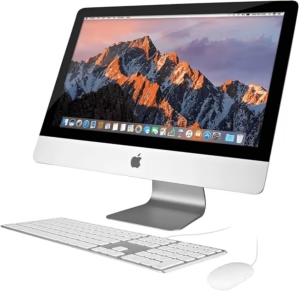
Steve’s Computers provides professional computer diagnostics in San Antonio for desktops, laptops, and Macs. Serving San Antonio since 2008, Steve’s Computers uses a diagnostic process to evaluate the symptoms, test likely causes, and explain what is happening before repair work moves forward.
What Is Computer Diagnostics?
Computer diagnostics is the process of identifying why a computer is not working correctly. Rather than assuming one component is responsible, diagnostics looks at the system as a whole and narrows the problem down through testing.
That may include checking hardware, storage health, memory, temperatures, power behavior, startup conditions, software, drivers, malware symptoms, and connected devices.
A computer that will not turn on, for example, may have a power supply, battery, charger, motherboard, or connection problem. A computer that freezes may have memory, storage, cooling, driver, or software issues. The same symptom can have several possible causes, which is why accurate troubleshooting matters.
Signs Your Computer Needs Diagnostics
Computer problems are not always obvious. Some failures stop the computer completely, while others begin as instability.
Common reasons to schedule computer diagnostics include:
- Computer will not power on
- Windows or macOS will not start normally
- Random freezes or crashes
- Blue screen or repeated error messages
- Unexpected shutdowns or restarts
- Computer is unusually slow
- Programs stop responding
- Hard drive or SSD is not detected
- USB, Wi-Fi, or other hardware stops working
- Computer overheats or fans run constantly
- Battery or charging problems
- Pop-ups, redirects, or other possible malware symptoms
If the problem keeps returning after a restart, a diagnostic evaluation can help determine whether the issue is software-related or hardware-related.
Our 20-Step Diagnostic Process
Steve’s Computers uses a 20-step diagnostic process designed to get to the root cause before recommending a repair.
The exact checks depend on the computer and the symptoms. Steve’s Computers may evaluate startup behavior, power delivery, temperatures, system memory, storage health, operating-system behavior, connected hardware, and other components.
This approach matters because replacing the first part that looks suspicious does not always solve the issue. A black screen can involve the display, memory, graphics hardware, motherboard, or startup process. A slow computer may have an aging drive, insufficient memory, malware, software problems, or overheating.
Once Steve’s Computers identifies the likely cause, the findings and repair options are explained so you can decide how you want to proceed.
Hardware Diagnostics
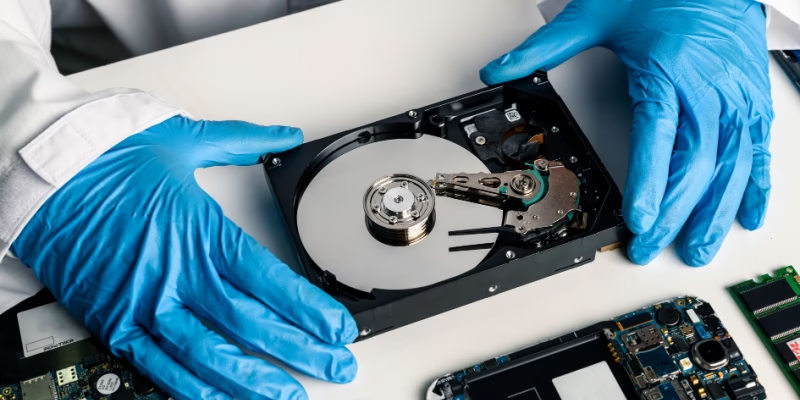
Hardware problems can create symptoms that look like software trouble. Failing RAM can cause crashes and blue screens. A storage drive can create slow performance, startup failures, corrupted files, or freezing. Cooling problems can lead to overheating and shutdowns.
Power supplies, batteries, chargers, motherboards, graphics hardware, cables, and other components may also need evaluation depending on the device.
Steve’s Computers checks the hardware that is relevant to the symptoms rather than assuming every computer needs the same tests. If a repair is needed, the diagnostic findings help determine which component actually requires attention.
Software and Operating-System Diagnostics
Not every computer problem requires hardware replacement.
Windows, macOS, device drivers, startup programs, damaged system files, software conflicts, and operating-system settings can all affect stability and performance. Problems may begin after an update, new software installation, driver change, or other system event.
Computer diagnostics can help distinguish a software issue from failing hardware. When the problem is software-related, Steve’s Computers can explain the available repair or cleanup options instead of replacing working components unnecessarily.
Diagnosing Slow Computer Problems
A computer that has become slow may have more than one cause.
Low storage space, an aging hard drive, background programs, malware, insufficient memory, overheating, or other hardware can reduce performance. Simply reinstalling the operating system or adding RAM without diagnosis may not address the actual bottleneck.
Steve’s Computers evaluates the behavior of the system and can recommend appropriate computer repair or performance improvements based on what is found. If your main concern is a computer that has become noticeably slower, you can also learn more about computer repair in San Antonio.
Storage Diagnostics and Data Concerns
Storage problems deserve extra attention because the files on the computer may be more valuable than the hardware itself.
A failing hard drive or SSD can cause slow file access, startup problems, disappearing drives, corrupted files, or a computer that will not boot. If important files are involved, avoid unnecessary formatting or repeated troubleshooting that writes new data to the affected drive.
Tell Steve’s Computers when data is a priority. If the problem involves a failing or inaccessible storage device, data recovery options can be considered before other repair work changes the drive.
Virus and Malware Diagnostics
Pop-ups, browser redirects, unfamiliar software, unusual background activity, or sudden performance problems can sometimes indicate malware. However, slow performance or crashes do not automatically mean a computer is infected.
Steve’s Computers can evaluate the symptoms and determine whether virus removal or another type of repair is appropriate. This helps avoid treating a hardware or ordinary software problem as malware simply because the computer is running poorly.

Why Accurate Diagnosis Matters Before Repair
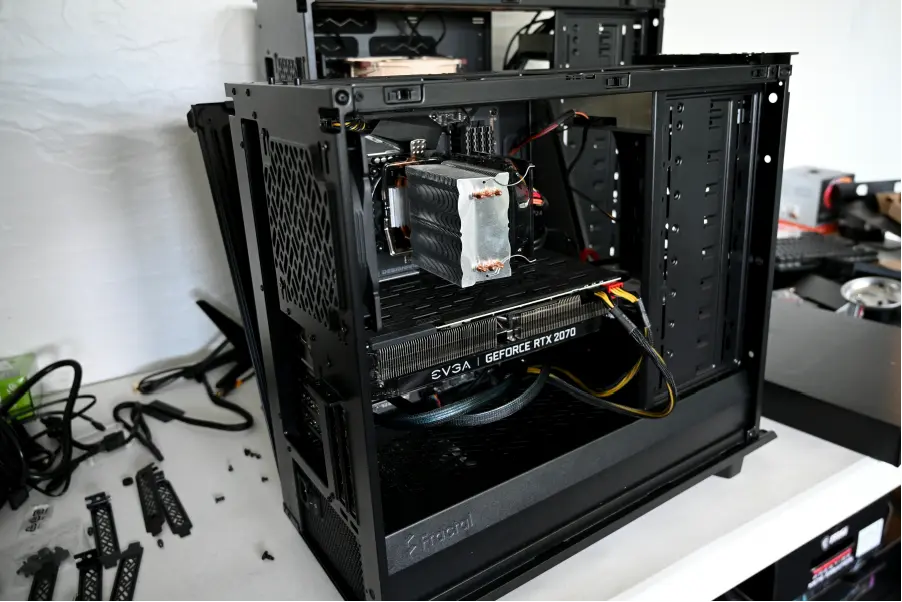
Good diagnostics can prevent unnecessary parts replacement and help set realistic expectations before money is spent on a repair.
It can also reveal when several symptoms are connected. A failing storage drive may explain slow performance, crashes, and startup problems at the same time. Overheating can create both performance loss and unexpected shutdowns.
Steve’s Computers focuses on identifying the root cause, explaining what was found, and recommending work based on the actual problem. Repairs only move forward after you understand and approve the next step.
Is It Worth Diagnosing an Older Computer?
Age alone does not determine whether a computer is worth repairing.
A well-maintained older system with one repairable problem may still meet your needs. A newer computer with several damaged components may require a different decision. Diagnostics gives you better information about the condition of the system before deciding whether to repair, upgrade, or replace it.
Steve’s Computers can explain the problem, the repair options, and any related concerns so you can make an informed choice.
Do Not Erase the Old Computer Too Soon
Keep the old computer or its storage device until you have confirmed that the files you need are present and usable on the new system.
A successful copy does not always mean every important file was included. Check documents, photos, business folders, downloads, email data where applicable, and any specialized files you rely on.
Only after the new computer has been reviewed should you consider securely erasing or recycling the old system.
Why Choose Steve’s Computers for Computer Diagnostics?
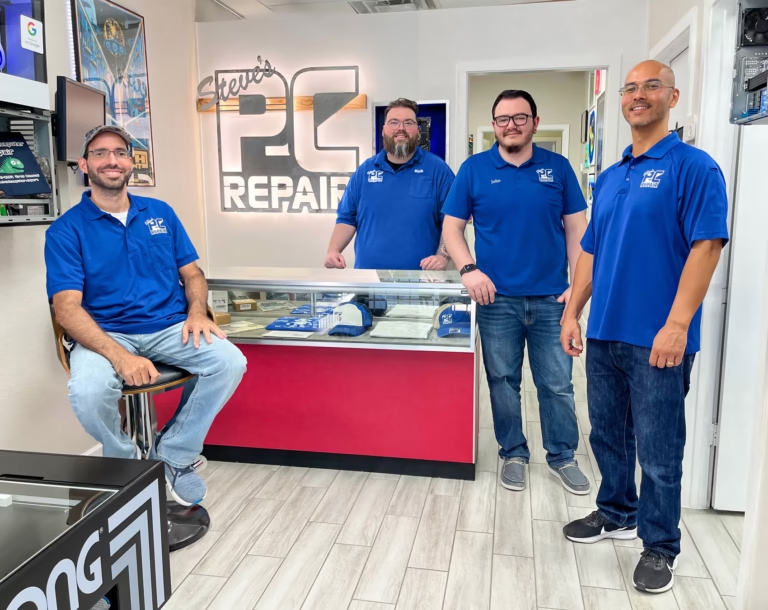
Steve’s Computers has served San Antonio since 2008 and provides diagnostics, computer repair, Mac repair, data recovery, upgrades, virus removal, and other technical services.
The focus is on identifying the actual cause instead of replacing parts based on symptoms alone. Steve’s Computers explains the findings clearly and only performs repair work you approve. Qualifying repairs are backed by a 1-year warranty.
Get Computer Diagnostics in San Antonio
If your computer will not start, keeps crashing, runs slowly, overheats, shows repeated errors, or simply is not behaving normally, Steve’s Computers can help determine what is wrong.
Bring the system in for computer diagnostics in San Antonio so the hardware and software can be evaluated before unnecessary repairs are made.
Walk-ins are welcome, or contact Steve’s Computers to discuss your computer problem and arrange the next step. You can also call (210) 241-2054 to speak with the shop.