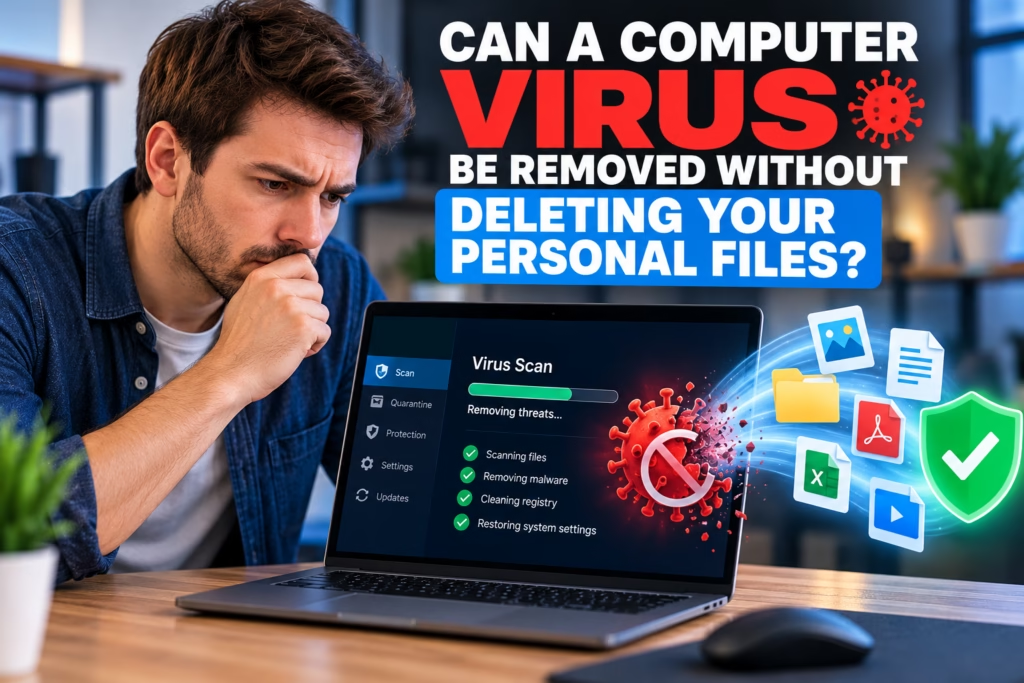
A computer virus or other malware infection can be stressful, especially when important photos, documents, business records, or school files are stored on the device. One of the first questions many people ask is whether malware can be removed without wiping the computer or deleting personal data.
In many cases, yes. Malware can often be identified and removed while personal files remain intact. The right approach depends on the type of infection, how deeply it has affected Windows or installed programs, and whether files have already been damaged, encrypted, or altered.
Steve’s Computers provides professional virus removal in San Antonio and starts with diagnosis before recommending cleanup, repair, or a more extensive recovery process. The goal is to remove the threat while protecting usable personal data whenever practical.
Does Virus Removal Always Delete Your Files?
No. Removing malware does not automatically mean deleting everything on the computer.
Many infections involve unwanted programs, malicious browser extensions, adware, spyware, startup items, or files that can be isolated and removed without affecting normal documents, photos, or videos. Security tools and manual troubleshooting can often clean the system while leaving personal folders untouched.
However, the result depends on what the malware has done. Some threats modify system files, interfere with security settings, or install multiple components in different locations. Others may damage applications or make Windows unstable.
What Types of Malware Can Sometimes Be Removed Without a Full Wipe?
Common infections that may be removable without erasing personal data include adware, browser hijackers, potentially unwanted programs, spyware, malicious startup items, and some viruses or trojans.
Cleanup may involve removing suspicious software, scanning for malicious files, correcting browser settings, checking startup behavior, and repairing changes made to the operating system.
Malware removal and personal file deletion are separate tasks. A technician can often target the malicious components while preserving normal user files. Some damaged applications may still need to be reinstalled afterward.
When Might a Clean Windows Reinstall Be Recommended?
A reinstall may be considered when malware has deeply altered the operating system, security tools cannot be trusted, important system files are badly damaged, or the computer remains unstable after cleanup. Persistent infections that repeatedly return can also indicate that a more thorough reset is appropriate.
If a clean reinstall is recommended, personal files may still be backed up first when they are accessible and safe to preserve. The backup should be handled carefully because infected executable files or suspicious downloads should not simply be copied back onto the clean system.
Steve’s Computers can explain whether targeted virus removal or a clean operating-system installation makes more sense for the condition of the computer.
What About Ransomware and Encrypted Files?
Ransomware is different from ordinary adware or many common malware infections because its purpose may include encrypting files and making them inaccessible.
Removing the ransomware itself does not automatically decrypt files that were already encrypted. The malicious program and the damaged or encrypted data are separate problems.
If ransomware is suspected, disconnecting the affected computer from networks and external storage can help limit additional spread. Avoid repeatedly modifying affected files if important data may need to be evaluated later.
Steve’s Computers can inspect the computer and discuss whether virus removal, data recovery, backups, or another recovery path should be considered. No legitimate repair process should guarantee that encrypted files can always be restored.
Can Antivirus Software Remove Malware Without Data Loss?
Antivirus and anti-malware tools are designed to detect, quarantine, or remove suspicious files, and they can often do this without touching normal personal documents.
Automated scans are not perfect. Some infections use multiple components, hide inside startup locations, alter browsers, or leave behind settings that continue causing problems after the main threat is removed.
A scan result also needs context. A computer that remains slow after malware cleanup may have a storage, memory, overheating, or software problem unrelated to the infection.
This is why computer diagnostics can be useful when symptoms continue even after security software reports that the system is clean.
What Files Are Usually Considered Personal Data?
Personal data generally includes documents, photos, videos, music, spreadsheets, project files, and other files created or saved by the user. Installed programs are different because applications can usually be reinstalled, while personal data may be unique.
Before major repair work, identify which files matter most. Business records, family photos, tax documents, schoolwork, and creative projects may deserve priority if the computer is unstable or the storage drive is showing signs of failure.
If data is already inaccessible, Steve’s Computers also provides data recovery services in San Antonio for supported storage problems.
Could the Computer Be Slow Even After the Virus Is Removed?
Yes. Malware can make a computer slow, but it is not the only cause of poor performance.
A system may remain sluggish because the storage drive is failing, the computer has limited RAM, too many programs start with Windows, the processor is overloaded, temperatures are too high, or software is damaged.
Removing malware should not become a catch-all explanation for every performance problem. If the computer is still freezing, crashing, or running slowly after cleanup, the underlying hardware and software should be checked.
Steve’s Computers can evaluate the system through computer diagnostics and determine whether the remaining symptoms are related to malware or another repair issue.
Should You Back Up Files Before Virus Removal?
The safest backup approach depends on the infection. Ordinary documents and photos may be appropriate to preserve, while suspicious installers, unknown programs, scripts, or downloaded executable files should be treated more carefully.
Copying everything blindly can move unwanted software or malicious files onto another device. If the computer is badly infected or unstable, explain which files are most important before repair starts so data and malware risks can be considered together.
How Steve’s Computers Handles Malware Problems
Steve’s Computers begins by looking at the symptoms and condition of the computer instead of assuming every slow system has a virus.
Signs that may justify malware inspection include unusual pop-ups, browser redirects, unfamiliar programs, security warnings, changed browser settings, disabled protection, unexplained network activity, or performance problems that appeared suddenly.
The repair process may include malware scanning, suspicious-program removal, browser cleanup, startup review, system checks, and follow-up testing. If the operating system is too damaged to trust, Steve’s Computers can explain whether a reinstall is the more reliable option.
The objective is to remove the threat, preserve safe personal files where practical, and return the computer in a stable condition.
Virus Removal in San Antonio
If you are worried about losing personal files during malware cleanup, do not assume the entire computer must be erased.
Many infections can be removed without deleting normal personal data, but the right solution depends on the type of malware, the condition of Windows, and whether files or storage have already been damaged.
Steve’s Computers provides virus removal, computer diagnostics, computer repair, and data recovery support in San Antonio. The system can be evaluated first so the cleanup plan matches the actual problem instead of relying on guesswork.
If your computer is showing pop-ups, redirects, security alerts, or unwanted programs, contact Steve’s Computers for an assessment.