
Laptop Charging Repair

If your laptop will not charge, charges slowly, or only works while plugged in, Our  professional laptop charging repair in San Antonio to diagnose the cause and restore reliable power.

We check the charger, battery, charging connection, and related power components before recommending a repair. Serving San Antonio since 2008, the focus is on identifying the actual problem and only moving forward with work you approve.

Starting At:

$180

Short on cash? Call and ask us for our affordable payment plan.

3-5 Day Turnaround

Guaranteed Repair

Full 1-Year Warranty

3,327+ Repairs Completed

Common Laptop Charging Problems We Diagnose

Charging problems can appear in several ways. Some laptops stop accepting power completely, while others charge inconsistently.

Common symptoms include:

  • Battery percentage does not increase while plugged in
  • Laptop says “plugged in, not charging”
  • Charging stops and starts unexpectedly
  • Battery drains even while connected to power
  • Laptop only runs with the charger connected
  • Charging is unusually slow
  • Charger is not recognized
  • Laptop shuts down when external power is removed

These symptoms overlap, so we do not assume the battery, charger, or port is automatically responsible.

Why Your Laptop May Not Be Charging

A laptop charging system involves several components. The AC adapter must provide the correct power, the charging connection must transfer that power reliably, the battery must accept and store a charge, and the motherboard must manage the process correctly.

A damaged or underpowered charger can prevent normal charging even when the laptop still turns on. Battery wear can cause short runtime or failure to hold a charge. A loose charging connection may interrupt power. USB-C laptops can also have problems when an adapter or dock does not provide enough power.

Internal charging circuitry can create similar symptoms, so testing matters before parts are replaced.

Asus laptop Repair

Our Diagnostic Process for Charging Problems

Our detailed diagnostic process to find the root cause before repair work begins.

We look at how the laptop behaves on external power, whether the charger is recognized, how the battery responds, and whether the system receives stable power. We may also inspect the adapter, charging connection, battery condition, and related internal components.

This helps separate a battery problem from an adapter, charging connection, software, or motherboard issue. Once we identify the likely failure, we explain what we found and only move forward with work you approve.

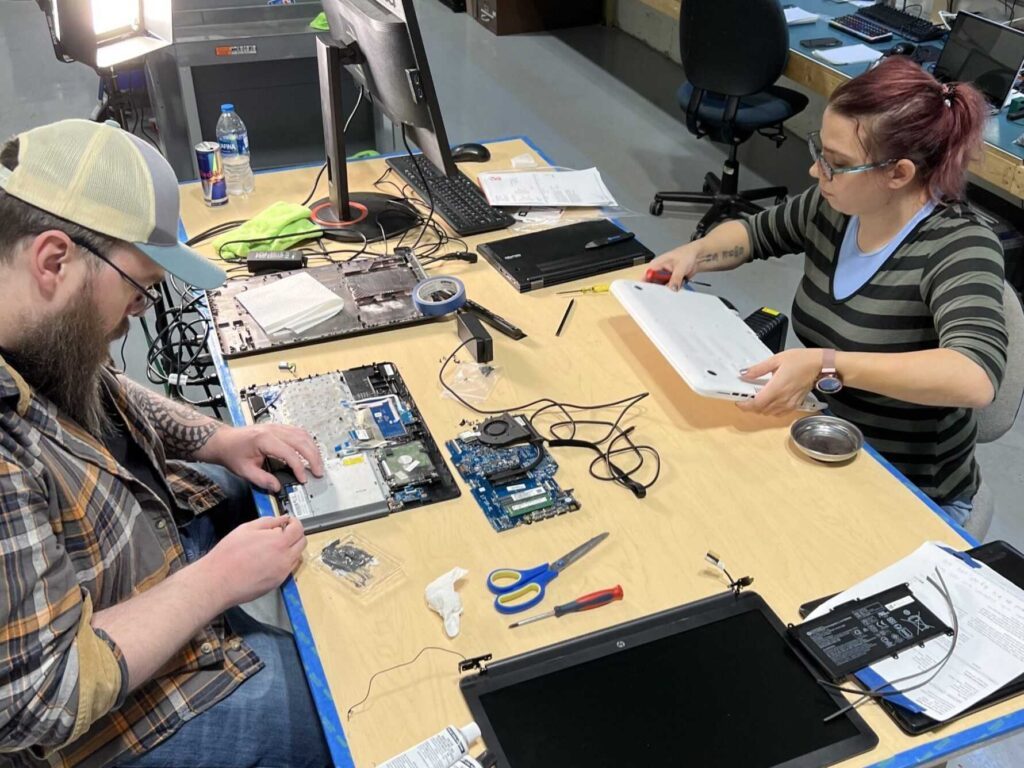
Laptop Charging Repair by Steve's Computer Repair in San Antonio, TX


Charger and Power Adapter Problems

The charger itself is an important part of the diagnosis.

A damaged cable, loose connector, failed adapter, or incorrect wattage can cause a laptop to charge slowly or not charge at all. Some systems detect when the connected adapter does not provide the expected power and may display a warning or limit charging.

Using a USB-C dock or hub can also affect charging if the power delivered to the laptop is lower than the system requires.

If possible, bring the charger you normally use. Testing the laptop and its adapter together can help identify whether the problem starts before power reaches the computer.

Computer Repair Services Hard Drive

Battery Problems and Charging Symptoms

A worn battery can make a charging problem look more complicated than it is.

You may notice the battery percentage dropping quickly, the laptop shutting down soon after it is unplugged, or the battery refusing to charge normally. In other cases, the laptop may work on external power while the battery provides little or no runtime.

Battery problems and charging-system problems can produce similar symptoms, so we evaluate charging behavior before recommending battery replacement.

If the battery is swollen or the laptop case is bulging, stop using the device and have it inspected. A swollen battery should not be pressed, punctured, or forced back into the case.


Faulty Charging Connections and Ports

A faulty charging port is one possible cause of a laptop not charging, but it is not the only one.

If charging cuts in and out when the connector moves, the plug feels unusually loose, or the port appears physically damaged, the charging connection may need attention. Depending on the laptop, the connection may be part of a separate cable assembly or connected directly to the motherboard.

We inspect it as part of the broader charging diagnosis rather than assuming every charging problem requires port replacement.

USB-C Laptop Charging Problems

Many newer laptops use USB-C for charging, which can add another layer to diagnosis.

Not every USB-C charger, dock, or cable provides the same amount of power. A laptop may charge slowly or not charge when the power source does not meet the system’s requirements. Some laptops also have multiple USB-C ports, but only specific ports may support charging.

We consider the laptop model, charger, cable, and power-delivery behavior when diagnosing USB-C charging issues.

When the Motherboard May Be Involved

The motherboard controls important parts of the charging and power system. If the charger and battery appear normal but the laptop still does not charge, further diagnosis may be needed.

A motherboard-level charging fault can cause no-charge conditions, intermittent power, charger-recognition problems, or a laptop that will not power on. These symptoms do not automatically prove the motherboard has failed.

Our technicians rule out other likely causes before recommending major internal repair.

We perform all-in-one desktop repair, iMac repair, and computer upgrades

How Long Does Laptop Charging Repair Take?

There’s a 3–5 day turnaround for laptop charging repair. Timing can vary based on the laptop model, the part involved, part availability, and whether additional power-system damage is found.

Customers who need faster service can ask about available expedited repair options.

Is Laptop Charging Repair Worth It?

A charging problem does not automatically mean the laptop needs to be replaced.

If the computer still performs well and the issue is limited to the charging system, repairing the failed component can restore reliable use. The decision depends on the age and condition of the laptop, the cause of the problem, and whether other major repairs are needed.

We explain what we find so you can decide whether repair makes sense for your situation.

Why Choose Steve’s Computers?

We have served San Antonio since 2008. Our technicians diagnose laptop charging problems as part of a broader laptop repair service, allowing us to evaluate the charger, battery, charging connection, motherboard, and related hardware instead of treating every no-charge symptom the same way.

Our process focuses on identifying the actual problem, explaining the repair clearly, and performing only the work you approve. Customers receive updates during the repair process, and qualifying repairs are backed by our 1-year warranty.

Trusted For 15+ Years

With 15+ years of experience, we're a team of technicians dedicated to bringing you the best computer repair service you'll ever find.

Fast Turnaround Time

Don't wait WEEKS or MONTHS to get your computer repaired. Get it back in only a few days or less.

Regular Updates & More

You come first. We call you with regular updates every step of the repair process. You'll always know what's going on at all times.

Affordable Price Guarantee

We only fix what you need fixed and what you approve. Nothing more. Nothing less.
PLUS → We offer affordable payment plans for any budget.

Proven Diagnostic Process

Unlike other shops, we get down to the root cause first before we repair your computer. Your device will be fixed with 100% certainty using our proven 20-step diagnostic process.

Full 1-Year Warranty

Your repair comes with our hassle-free 1-year warranty baked-into your repair.
If the repair does not last within a year, then we'll fix it free of charge.

⭐⭐⭐⭐⭐

"Professional, competitively priced (no overcharge) and informative. Highly recommend. They fixed an old Mac for me and now it runs like it’s fresh out of the box."

⭐⭐⭐⭐⭐

"First time coming to Steve's Computer Repair. They were friendly on the phone and in person. Plus they fixed my issue and worked with me on the amount since I didn't need certain services. Thanks Rick and Steve's Computer Repair!! I'm a happy camper"

⭐⭐⭐⭐⭐

"We just had another laptop repaired at Steve's Computer Repair and can't say enough good things about them. Fast, friendly, professional and best of all, they don't do work that doesn't need to be done. Highly recommended!"

Get Laptop Charging Repair in San Antonio

If your laptop will not charge, charges slowly, loses power while plugged in, or only works with the charger connected, bring it to Steve’s Computers for professional laptop charging repair in San Antonio.

Walk-ins are welcome, or call Steve’s Computers at (210) 241-2054 to speak with a local technician about your laptop charging problem.

EST 2008

Steve's Computer Repair is San Antonio’s premier repair center, with a track record of fixing over 3,237 devices. We specialize in top-notch repairs for leading brands like Dell, HP, and Apple. Our services include in-store and on-site options.

Proven Diagnostic Process

Get a diagnostic assessment for your device to accurately pinpoint needed repairs and receive a personalized quote. We prioritize efficiency and customer satisfaction, ensuring we won't keep your device for weeks just for diagnostics.

Unmatched Quality.

Rest assured, we adhere to manufacturing repair standards for every device model when repairing all computers. Whether it's laptop charging repair or something else, you can rely on our expertise to deliver quality results.

Scroll to Top